Last week we added Alembic to our to-do app to be ready for upcoming changes to the tables. In this post we extend our FastAPI application, but in an unexpected direction: we add a web interface. Let us find out how we can do that.
A plain approach
We used JSONResponse to return JSON for our objects. To return HTML, we can use the HTMLResponse class and FastAPI will take care of the content type:
fromfastapi.responsesimportHTMLResponse@app.get("/dashboard",include_in_schema=False)asyncdefdashboard():returnHTMLResponse(content="<html><body><h1>Dashboard</h1>"+"<p>12 new Task in last 7 days.</p></body></html>")
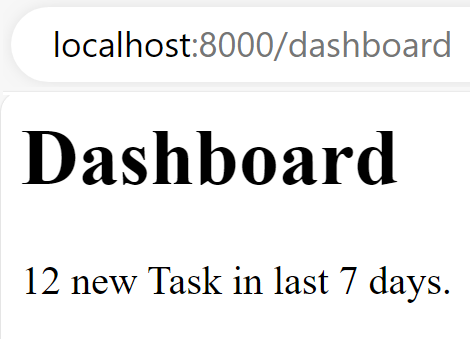
When we run this in a browser, we get back an HTML page that looks like this:
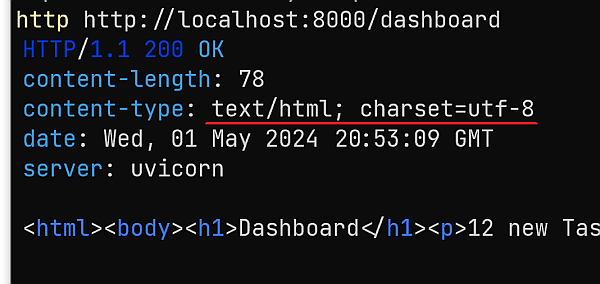
The content type for this endpoint is text/html:
While that works, it will be cumbersome to add full HTML pages in all endpoints. Let us explore a better way.
Choose a template engine
A template engine helps us to organise our HTML pages and let us reuse the shared parts of the layout. That way we can focus on the page-specific parts and end up with smaller HTML files.
FastAPI has a built-in support for Jinja, but we can choose whatever template engine we want. If you prefer Chameleon , you may want to use fastapi-chameleon.
I will build on my knowledge of Jinja and try to reuse the concepts from these two blog posts:
We can create a folder template/shared and add a layout.html file based on the starter template of Bootstrap. We can put blocks where we want to inject our page-specific content:
The final part is the endpoint that should deliver us the right template. We need to set the BASE_DIR variable and use it in our paths, or we end up with a template not found error. The Jinja2Templates class connects our FastAPI application to the Jinja template and we can use this instance throughout our application:
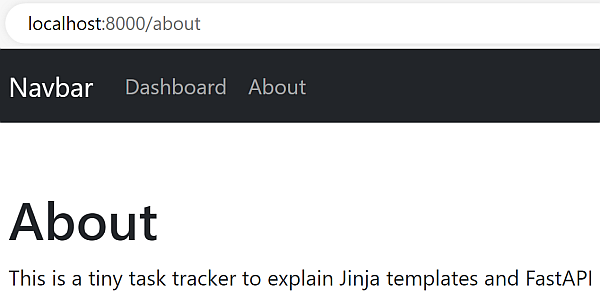
We can now save everything, run Uvicorn and should see an about page when we go to /about:
Test the about page
We can put our test for the about page into the test_todo.py file and add Beautiful Soup to parse the HTML. We want to check that the title is correct and that the first H1 on the page matches "About":
We explored the minimalistic approach to send HTML from our FastAPI application. To save ourselves a lot of work, we can use template engines like Jinja and put the repetitive HTML into a layout. If you look closely to the Uvicorn logs, you see a lot of 404 entries. Next week we fix that with a static route.